

Everything You Need to Connect
Bizlink gives you powerful tools to create, share, and manage your professional digital identity.
Digital Profile
Create a beautiful digital business card with your photo, contact info, social links, and a unique short URL.
QR Code Sharing
Generate a scannable QR code for your profile. Share it on print materials, presentations, or in person.
vCard Download
Visitors can download your contact as a vCard (.vcf) file with one tap — compatible with all phones and email clients.
Download Analytics
Track how many people saved your contact. See which cities and regions your profile is reaching.
IP Geolocation
See exactly where your contacts are located on an interactive map, powered by precise IP geolocation data.
Contact Management
View, edit, and organize all the contacts shared with you. Export individual contacts or message them via WhatsApp.
Simple, transparent pricing
Start free, upgrade when you're ready. No hidden fees.
Personal
- 50 card shares/month
- 3 OCR scans/month
- 2 digital cards
- Current-month analytics
- Standard QR code
- Email signatures
- Event lead capture (Business Ultimate and above)
Business Basic
RM19.90 per user
- Unlimited card shares/month
- 100 OCR scans/month
- Unlimited digital cards
- Full analytics history
- Email signatures
- Branded QR code
- Event lead capture (Business Ultimate and above)
- Wallet pass (Apple/Google) Planned
- Virtual backgrounds Planned
Business Ultimate
RM39.90 per user
- Everything in Business Basic
- Unlimited digital cards
- 300 OCR scans/month
- Team management
- Event lead capture
- AI contact enrichment Planned
- Custom domain Planned
- API access Planned
Corporate
RM59.90 per user
- Everything in Ultimate
- 10 digital cards
- 500 OCR scans/month
- Team management
- Event lead capture
- CRM integrations Planned
- SSO / SAML Planned
- Dedicated support Planned
How we compare
See why professionals choose Bizlink over traditional business card solutions.
| Feature | 🇲🇾 Bizlink | 🇦🇺 B | 🇺🇸 P | 🇲🇾 G | 🇲🇾 L |
|---|---|---|---|---|---|
| Unlimited card shares | ✓ | ✓ | ✓ | ✓ | ✓ |
| AI business card OCR | ✓ | ✓ | ✓ | ✕ | ✕ |
| ★Geolocation analytics | ✓ | ✕ | ✕ | ✕ | ✕ |
| Contact capture + notes | ✓ | ✓ | ✓ | ✕ | ✕ |
| CSV export | ✓ | ✓ | ✓ | ✕ | ✕ |
| ★Passkey login | ✓ | ✕ | ✕ | ✕ | ✕ |
| ★Team management | ✓ | ✕ | ✕ | ✕ | ✕ |
| Email signatures | ✓ | ✓ | ✓ | ✕ | ✓ |
| Wallet pass (Apple/Google) Planned | ✕ | ✓ | ✓ | ✕ | ✕ |
| NFC tag support Planned | ✕ | ✓ | ✓ | ✓ | ✓ |
| Price | RM 19.90 per month | ~RM 45 /mo | ~RM 68 /mo | RM 59-89 one-time | RM 60-168 one-time |
Three Steps to Go Digital
Create Your Profile
Sign up, fill in your details, upload a photo, and get your unique short link.
Share Your Card
Send your link or show your QR code. Recipients can download your vCard instantly.
Track & Connect
Monitor downloads on your dashboard, see where contacts are from, and manage them.
Built for Professionals
From freelancers to enterprise teams, Bizlink scales with your networking needs.
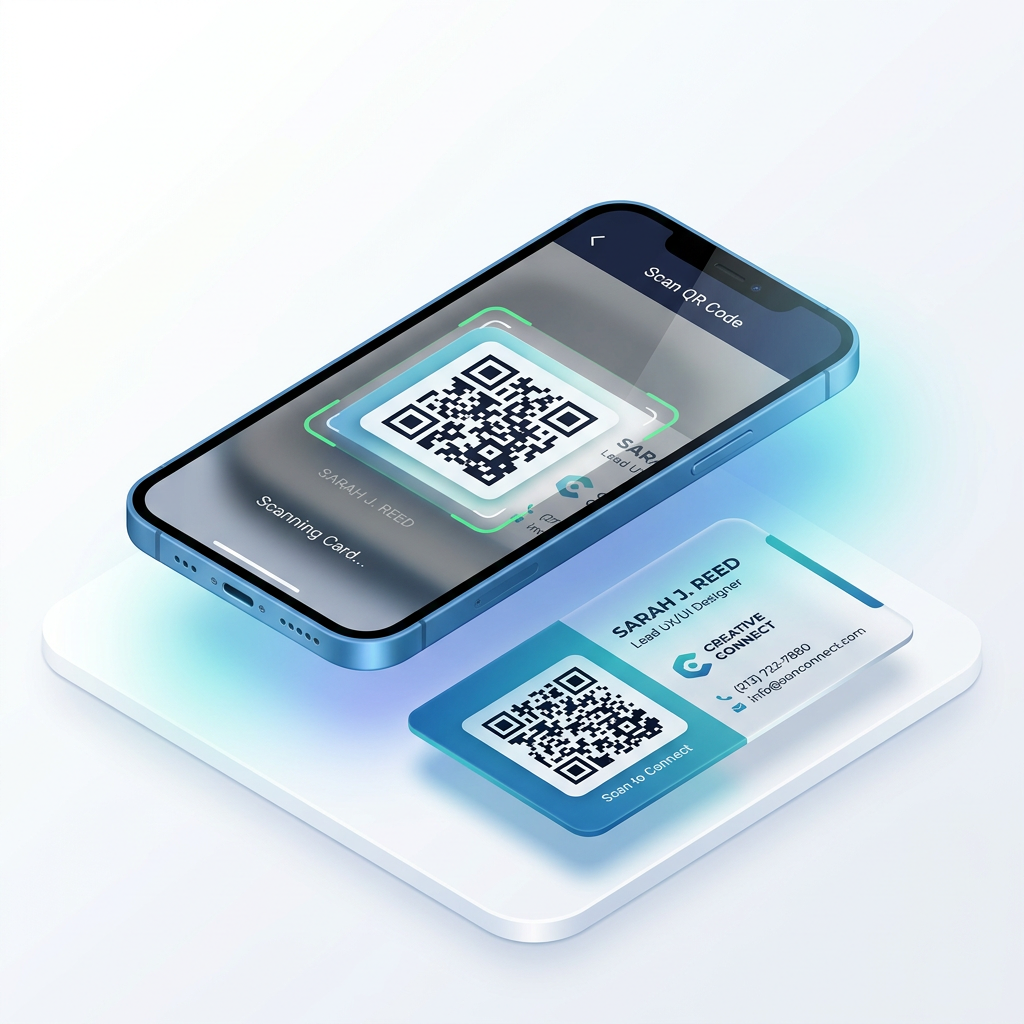
Scan & Share
Your QR code makes sharing effortless at events, meetings, and networking sessions.
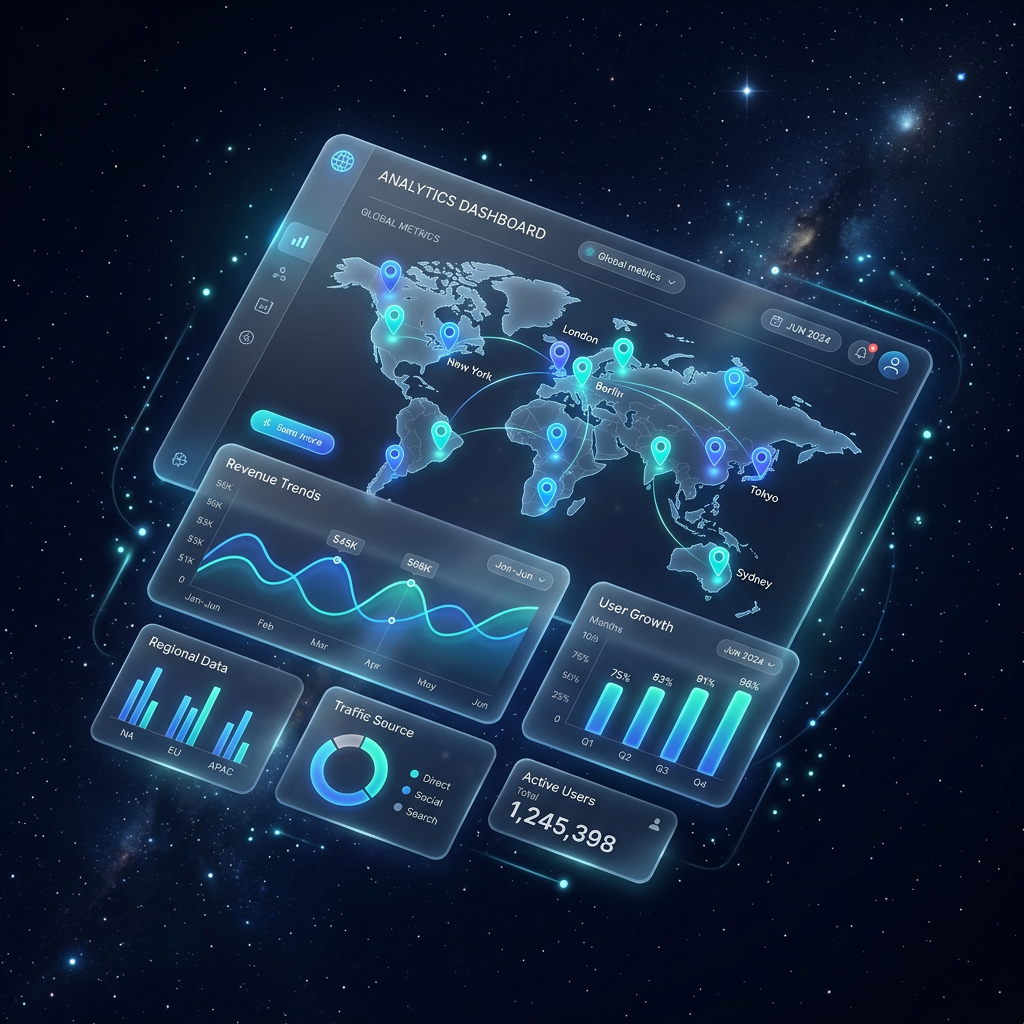
Visual Analytics
Interactive maps and location-based insights show your global reach in real time.
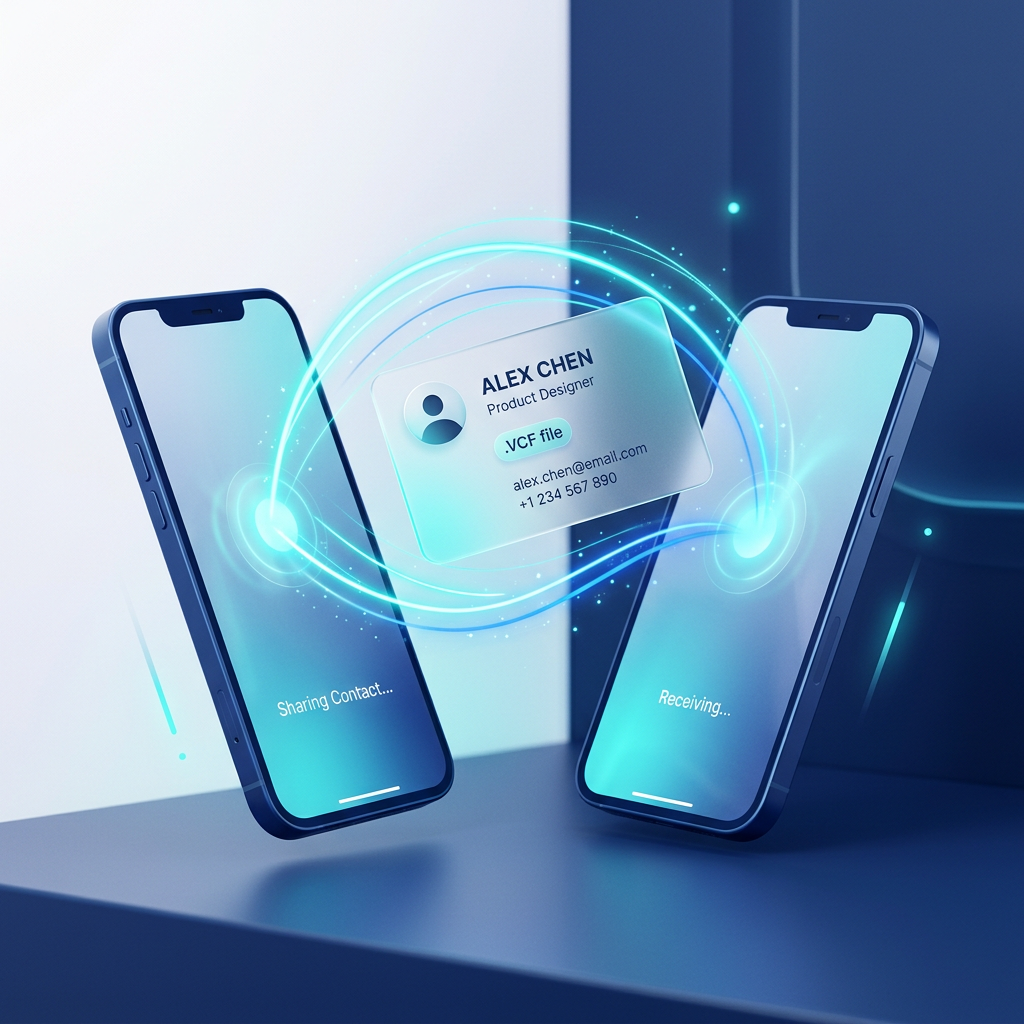
Instant Downloads
Contacts download as vCard files, seamlessly importing into any phone or address book.